Executive Summary
On average, 30-40% of the leads generated by real estate ads get stuck in “No Response” status. In this article, we explain how to bring this dormant data back into the sales funnel through automated background scenarios, without consuming your sales reps’ time.
Who Is This For?
Sales managers and CRM specialists who manage large lead databases and want to win back the “unresponsive” records their reps have grown tired of calling.
Key Concepts
- No Response (Unresponsive Lead): A lead who could not be reached despite being called at least 3-4 times.
- Lead Nurturing: Sustaining the relationship by delivering valuable content to the prospect without applying sales pressure.
- Automated Reactivation: Re-engaging an unresponsive prospect through messages that are triggered automatically after a defined period.
The Problem
Sales reps typically focus on newly arrived (hot) leads. They stop calling older leads they couldn’t reach after day two. Thousands of leads pile up in the “No Response” stage of the CRM and are left to go stale—which effectively means your digital marketing budget is being wasted.
Analysis
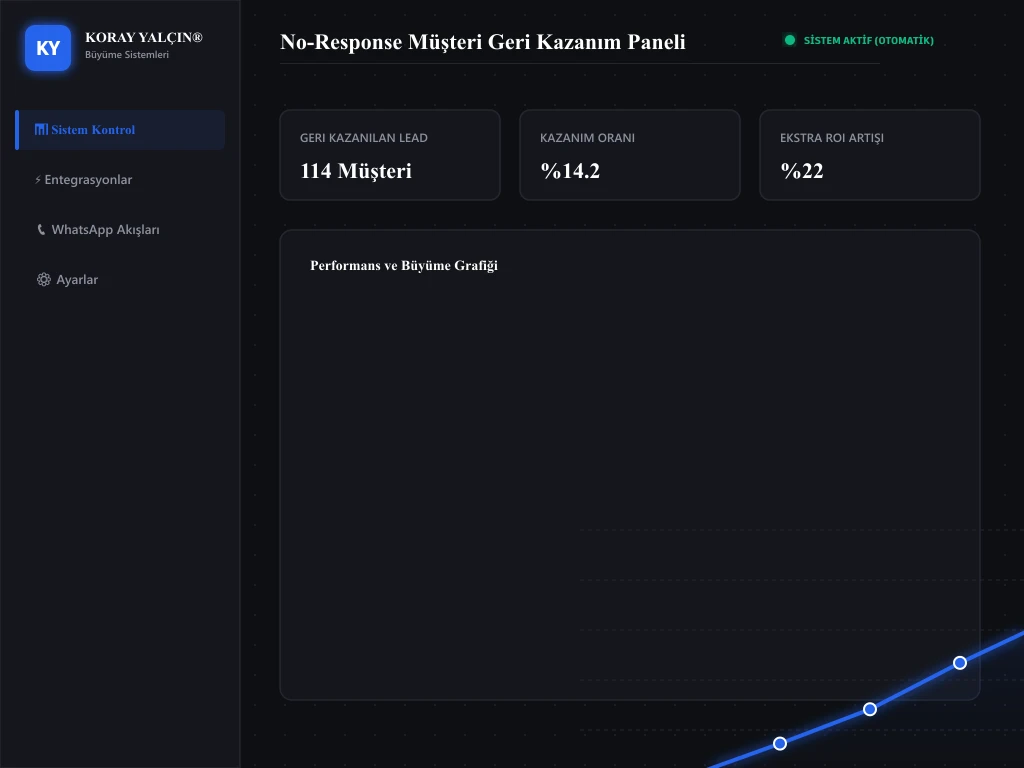
According to our analysis, when a prospect who could not be reached on the first call is contacted again on days 3, 5, and 10—at different times of day and through different channels (SMS/WhatsApp/Email)—25% of these prospects respond positively. Running this follow-up process manually is practically impossible with human effort alone.
Recommended System
No-Response Lead Win-Back Funnel:
- Day 1 (No Response): When a call goes unanswered, the CRM automatically sends a WhatsApp message: “Hello, we tried calling you but couldn’t reach you. Could you reply here with a time that works for you?”
- Day 3 (Value Delivery): An automated informational email or WhatsApp brochure is sent to the unreached prospect: “Attached is an analysis of the latest price trends in the area you’re interested in.”
- Day 7 (Last Chance): A notice: “Are you still interested in receiving information? If we don’t hear back, we will archive your request.”
- When a Reply Is Received: The system automatically moves the record to the “Qualified Lead” stage and assigns an urgent “Call Task” to the sales rep.
Implementation Steps
- Step 1: Create a dedicated pipeline stage in your CRM named “No Response / Unreachable.”
- Step 2: Configure the “3-5-7 Day Follow-Up Bots” (Make / CRM Triggers) that fire the moment a rep moves a card into this stage.
- Step 3: Set up a VoIP PBX system to audit reps’ individual call logs, and automate the bots to run after every unanswered call.
Cite This Work
Yalçın, K. (2026). How to Win Back No-Response Leads. KorayYalcin.org Publications & Research.
Sources
Sales team follow-up research and field observations.
Related Articles
Let’s Work Together
Get in touch to have your CRM and lead system assessed. To win back the unreachable leads in your database and set up automated follow-up processes, you can book a meeting via the Contact page.